The Cockpit: where each source copies
A cockpit is one source, its rules and the account it copies into. Make one with New cockpit, and pause or remove it from its map.
Written for TradeMirrorly 1.7.3 · Updated
A cockpit is one route for your signals: a source, its rules and the trading account it copies into. The Cockpit page, second in the sidebar, shows all of them.

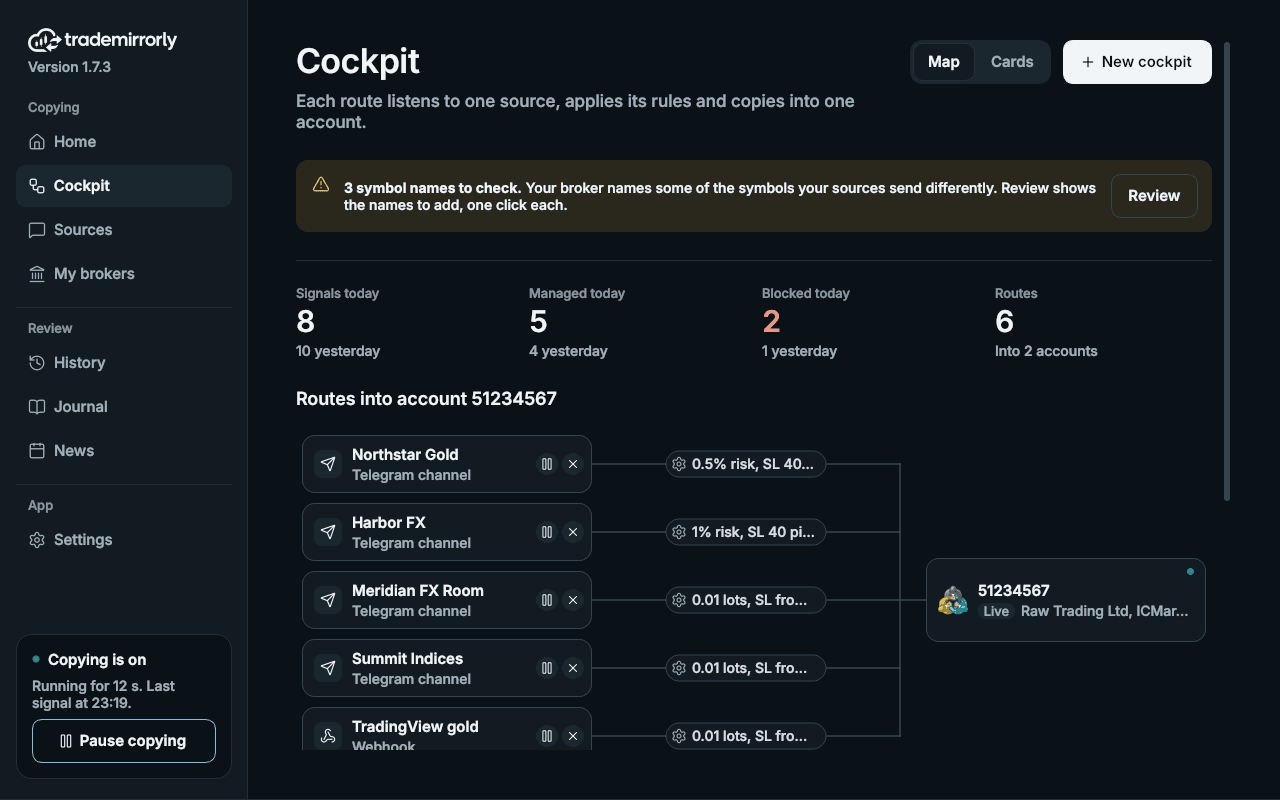
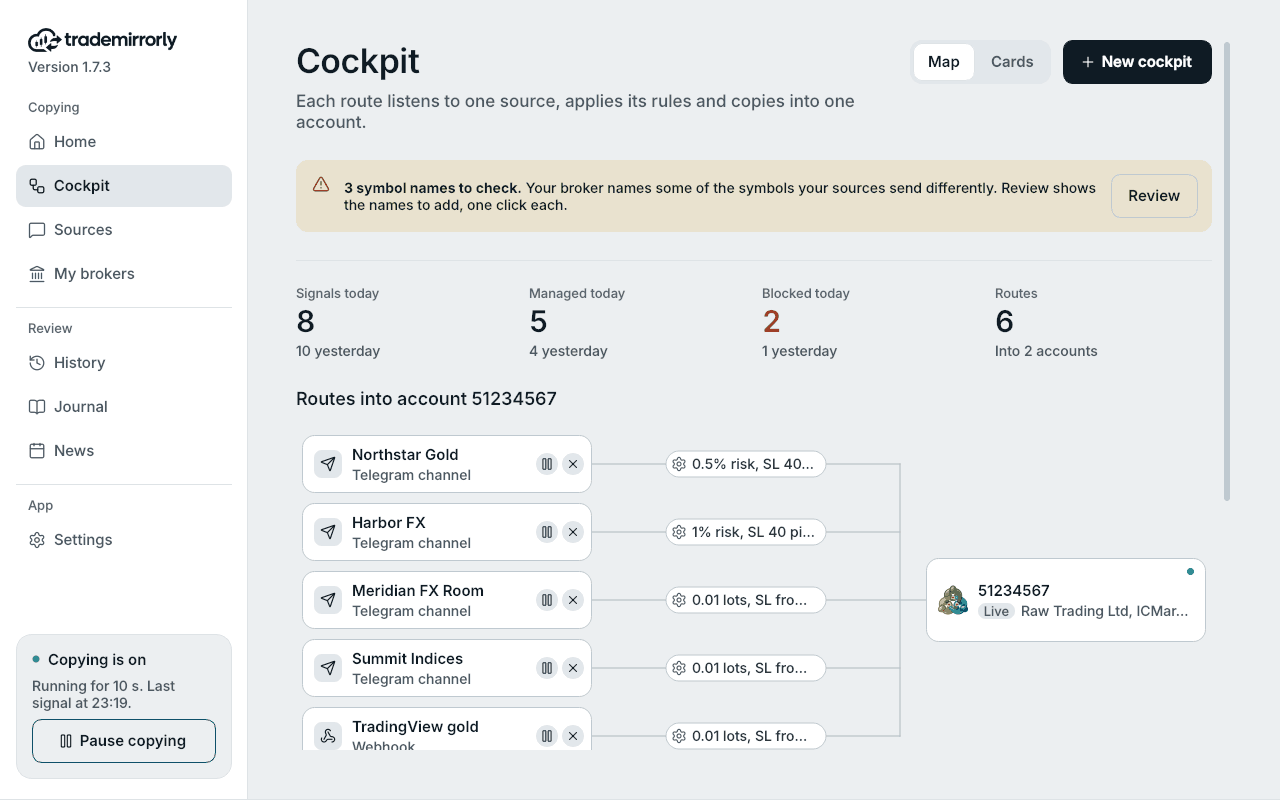
What does the Cockpit page show?
Each account with cockpits has its own map, under a caption like ACCOUNT 5123456 · 3 COCKPITS. The sources are on the left, a rules node (the gear) for each in the middle, and the account on the right.
- Click a source to open its Configure page, with its words.
- Click the gear to open its trade settings.
- Click the account to open My brokers.
- A source that copied nothing lately has a red dot. The account's dot is green while its EA, or the app for TradeLocker and Match-Trader, is running.
- Above the maps, a strip counts today's signals, managed and blocked signals, and your cockpits.
How do I make a new cockpit?
- 1Click New cockpit at the top of the Cockpit page.
- 2Source: pick a Telegram channel, group, forum topic or bot, or a webhook.
- 3Broker: pick one or more accounts, or connect a new one.
- 4Settings: set its rules, then save. The cockpits are made when you save.
Your first cockpit can also come from the guided setup.
Can one source copy into several accounts?
Yes. Pick several accounts in the Broker step and each one gets a cockpit of its own, with its own rules. Several sources can also copy into one account.
How do I pause or remove a cockpit?
- Every source on a map shows pause and remove.
- Pause stops new signals from that source into that account. Open trades are still managed, and its words and rules stay. History shows its new signals as SOURCE PAUSED.
- Remove deletes the cockpit, with its words and rules.
How do Channels and Webhooks fit in?
Channels lists every Telegram chat, and Webhooks every webhook. Nothing is set up there. Each row has a switch that pauses or resumes every cockpit that source is in, on every account.
The row's chip says IN 2 COCKPITS, PAUSED, or NOT IN A COCKPIT (the switch then waits until the source is in one). See channels, groups, topics and bots.
Try it on a demo account first
Monthly and yearly plans start with a 3-day free trial. The guided setup takes about five minutes.
More in this topic
Activate your license key
Paste your TM-XXXX-XXXX-XXXX key once per computer: where to find it, and what to do when every computer seat is in use.
Sign in to Telegram
Scan a QR code with the Telegram app on your phone, or use your phone number. Two-step passwords work, and the session stays on your computer.
Copy channels, groups, topics and bots
Sources lists every Telegram channel, group, forum topic and bot with its id. Copy one through a cockpit, and pause or resume it with its switch.
Install the EA in MetaTrader 4 or 5
The app finds every MetaTrader 4 and 5 on your computer, installs the TradeMirrorly EA with one click, and opens the terminal with it running.