My brokers: every account in one place
Every MT4, MT5, TradeLocker and Match-Trader account on your license on one page: broker, server, whether it trades, balance and open trades.
Written for TradeMirrorly 1.5.0 · Updated

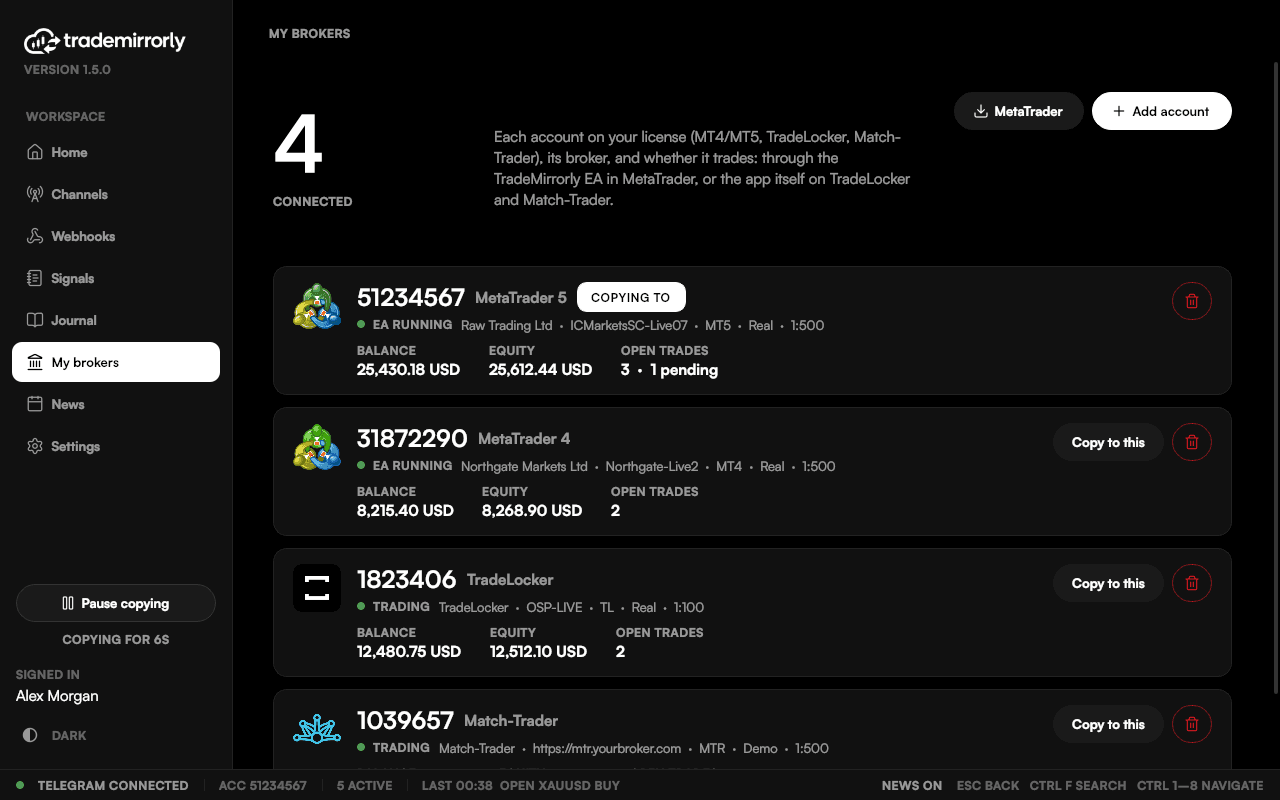
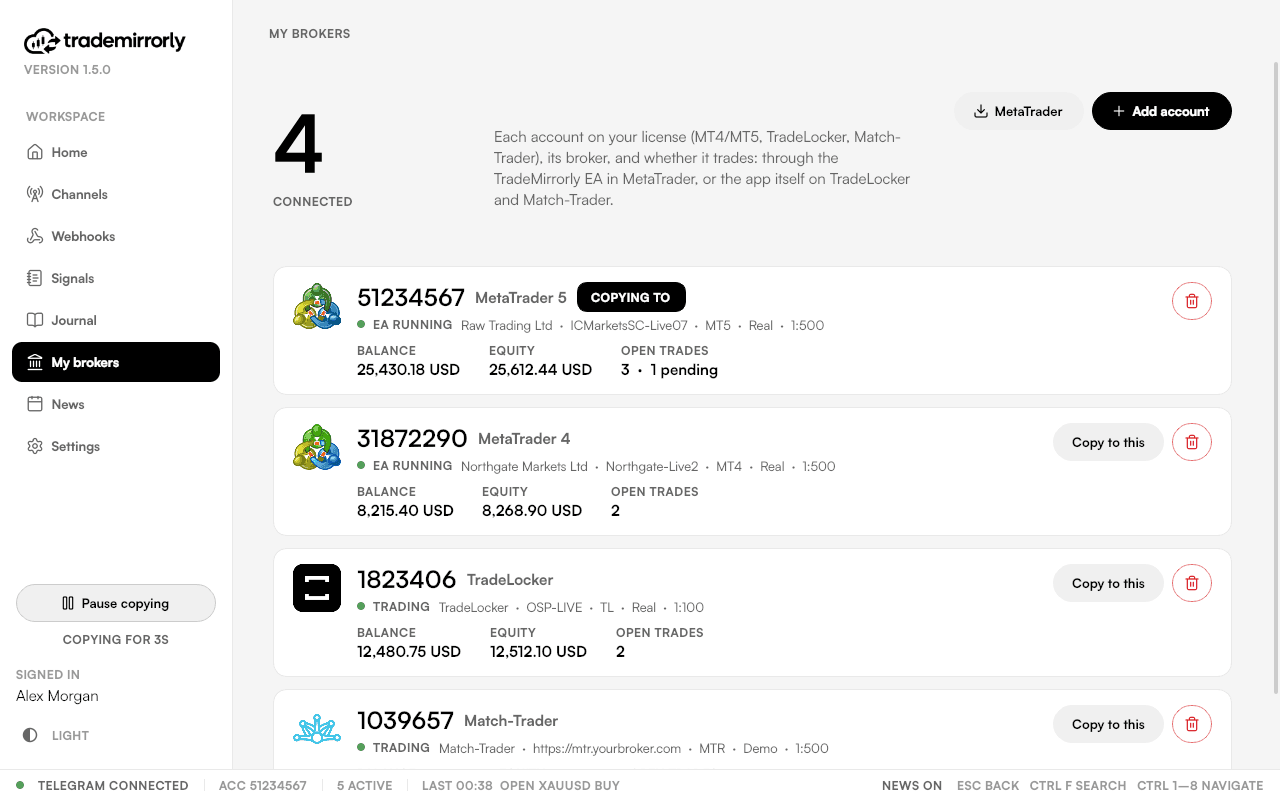
Each account card shows:
- Its platform, broker and server, once the EA reports from it (or the app is signed in).
- Whether it's trading, with its balance, equity and open trades.
What you can do here
- Add or remove an account. Each account uses one of your plan's account seats.
- Install the EA, or Open MetaTrader when it has stopped.
- Copy to this picks the account that Channels and Webhooks copy into.
Try it on a demo account first
Monthly and yearly plans start with a 3-day free trial. Setup takes about 3 minutes.
More in this topic
Activate your license key
Paste your TM-XXXX-XXXX-XXXX key once per computer: where to find it, and what to do when every computer seat is in use.
Sign in to Telegram
Scan a QR code with the Telegram app on your phone, or use your phone number. Two-step passwords work, and the session stays on your computer.
Copy channels, groups, topics and bots
Switch on the Telegram chats you want copied, per trading account, and read each channel's status, last signal and 14-day activity.
Install the EA in MetaTrader 4 or 5
The app finds every MetaTrader 4 and 5 on your computer, installs the TradeMirrorly EA with one click, and opens the terminal with it running.