Activate your license key
Paste your TM-XXXX-XXXX-XXXX key once per computer: where to find it, and what to do when every computer seat is in use.
Written for TradeMirrorly 1.5.0 · Updated
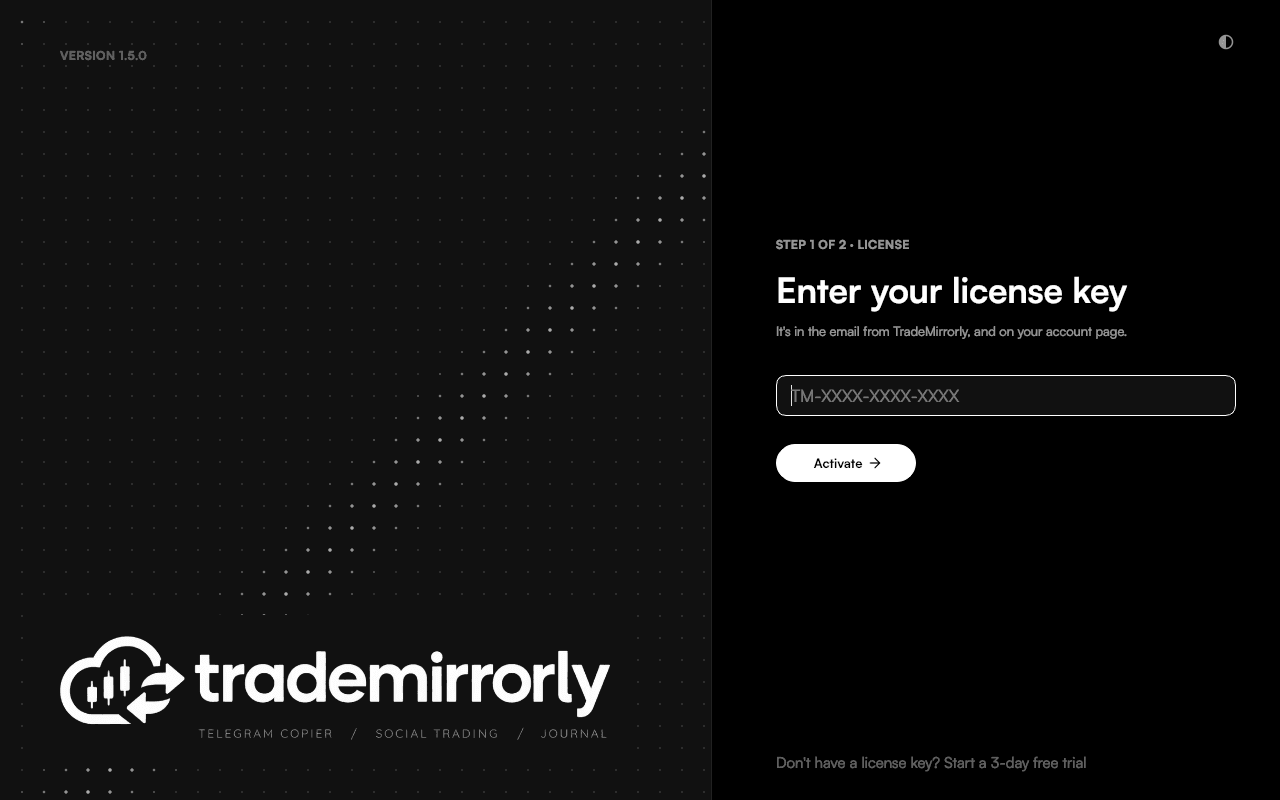
- 1Choose a plan and check out to start the free trial or buy. Your key,
TM-XXXX-XXXX-XXXX, is emailed to you and is also on your account's Dashboard. - 2Open TradeMirrorly and paste the key.
- 3The app activates this computer. You only need the key once per computer.

Every seat is in use
"This license is already active on 2 of 2 allowed device(s)" means every computer seat is taken. Deactivate the app on one of them (Settings → License → Deactivate this computer), or free a seat in your account.
Without internet
The app keeps copying offline for up to 7 days on the last license it checked. Open it while online and it checks again by itself.
Try it on a demo account first
Monthly and yearly plans start with a 3-day free trial. Setup takes about 3 minutes.
More in this topic
Sign in to Telegram
Scan a QR code with the Telegram app on your phone, or use your phone number. Two-step passwords work, and the session stays on your computer.
Copy channels, groups, topics and bots
Switch on the Telegram chats you want copied, per trading account, and read each channel's status, last signal and 14-day activity.
Install the EA in MetaTrader 4 or 5
The app finds every MetaTrader 4 and 5 on your computer, installs the TradeMirrorly EA with one click, and opens the terminal with it running.
Add a TradeLocker account
Add a TradeLocker account, demo or live, with your email, password and server. The app trades it itself, with no EA and no MetaTrader.