Channel keywords
When a channel writes signals its own way, teach TradeMirrorly its words, with suggestions while you type. Share a setup as a sealed .tmk file.
Written for TradeMirrorly 1.5.0 · Updated
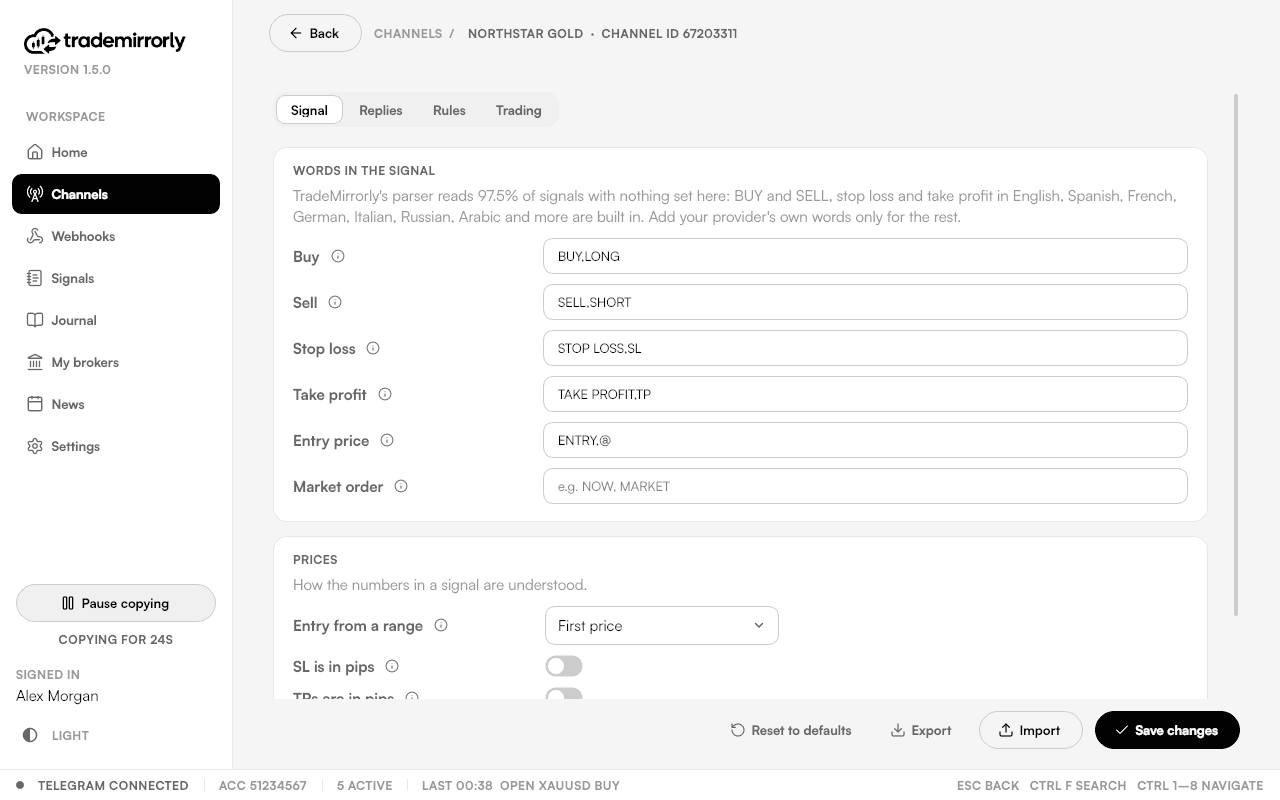
Open a channel's Configure to set its own words, or to give a word another meaning. Suggestions appear while you type.

What you can set
- Entry, buy and sell, SL and TP.
- Close, partial close, breakeven, move SL or TP, delete and re-entry.
- Ignore or skip words: a message with one is never copied.
- Pips mode, delimiters and a delay.
Rules
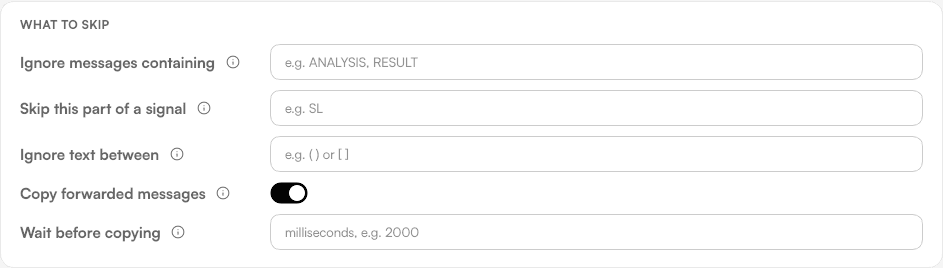
The Rules tab holds the words to skip, whether forwarded messages count (on by default) and a delay.
Export and import
Export a channel's keyword setup as a sealed .tmk file and import it on any computer. TradeMirrorly reads it; nobody can read or edit the words in it. Old plain .dat exports still import.
Try it on a demo account first
Monthly and yearly plans start with a 3-day free trial. Setup takes about 3 minutes.
More in this topic
How signals are read
BUY or SELL, the symbol, entry, SL and any number of TPs are read with no setup, in 11 languages. What a readable signal looks like.
Replies that manage trades
Close, close half, breakeven, TP hit and a new SL or TP are read from replies to the original signal, in the same 11 languages.
Symbol names: GOLD, XAUUSD and your broker
GOLD in the channel, XAUUSD at your broker? TradeMirrorly compares the two lists and suggests the names to add, one click each.