What is TradeMirrorly?
A desktop app for Windows and macOS that copies the Telegram signals and TradingView alerts you choose to your MT4, MT5, TradeLocker or Match-Trader account.
Written for TradeMirrorly 1.5.0 · Updated
TradeMirrorly reads the Telegram channels you choose and places each signal on your own trading account, with your own lot size and rules. Then it tells you what happened to every signal: what was opened, at what price, or why not and what to fix.

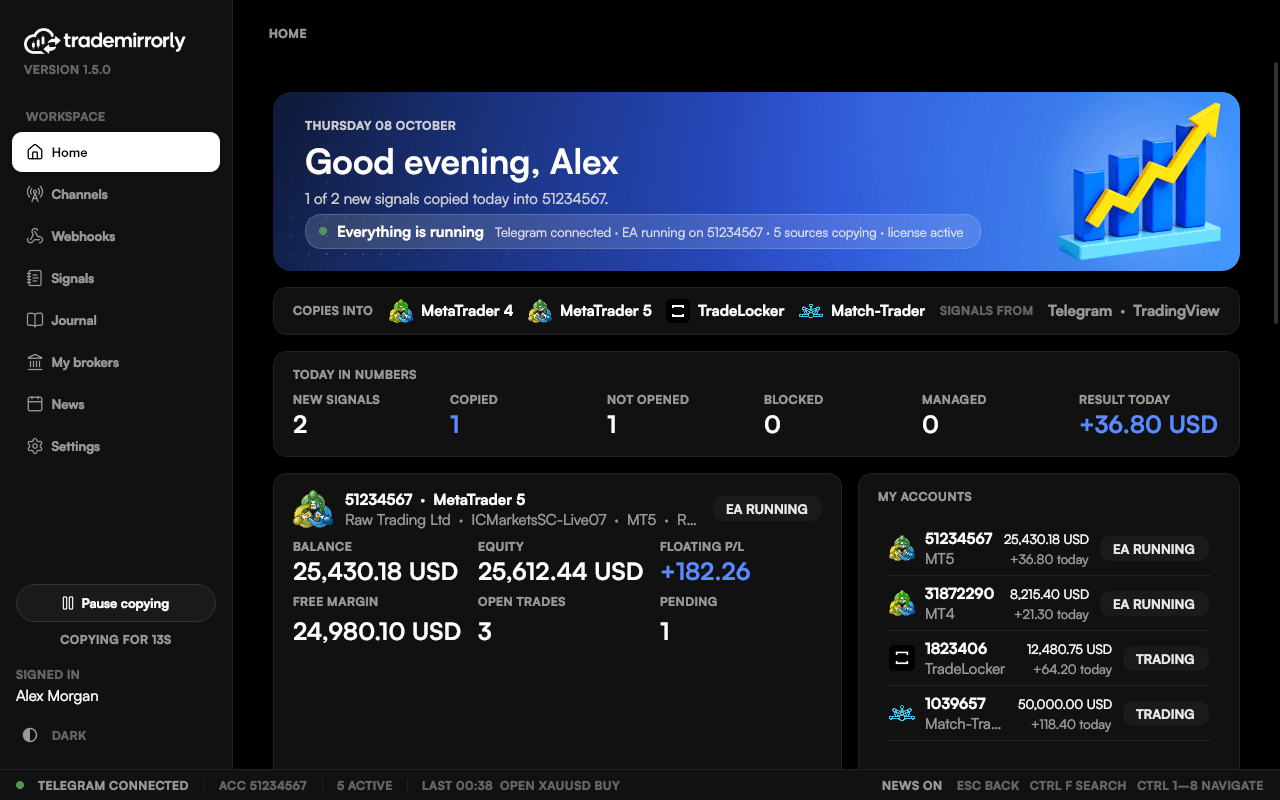
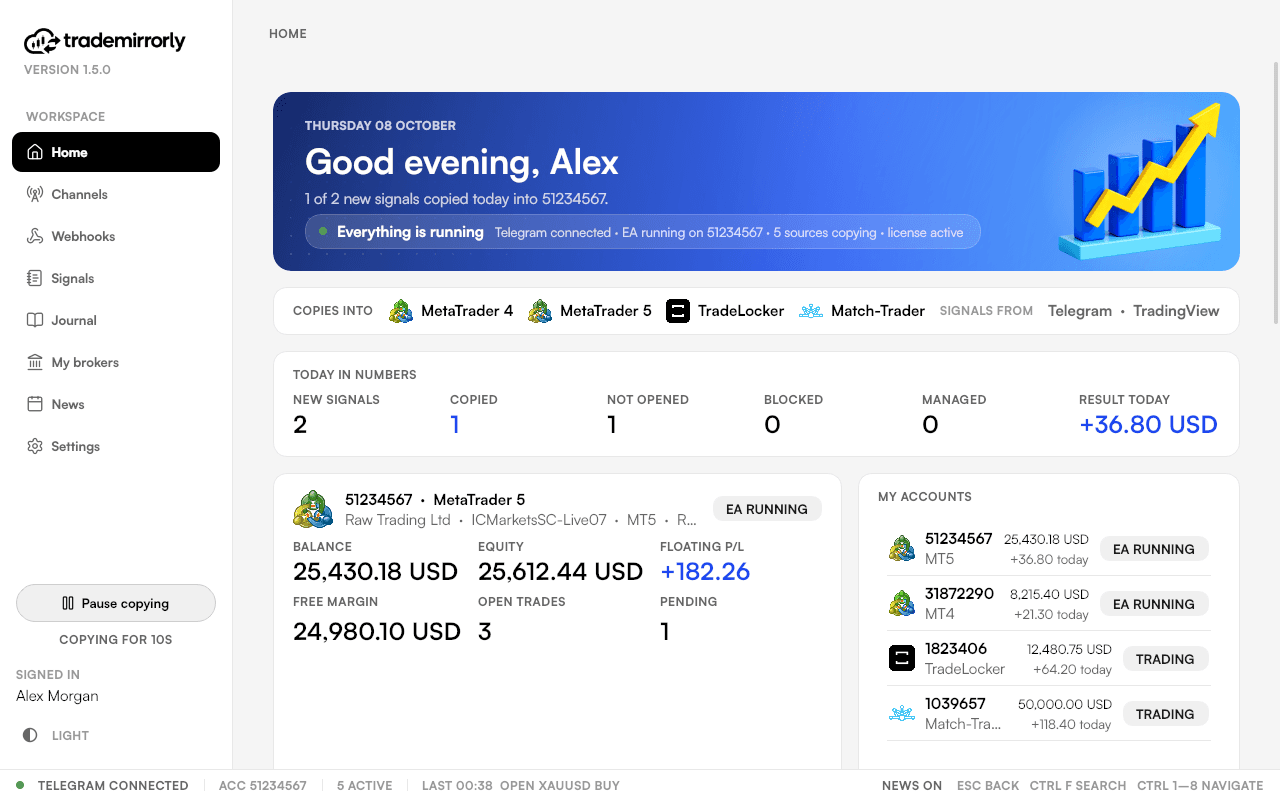
Where signals come from
- Telegram channels, groups, forum topics and bots you follow.
- TradingView alerts, or anything that can send an HTTP POST, through webhooks (Pro).
Where trades go
- MetaTrader 4 and 5, through the TradeMirrorly EA, which the app installs and keeps up to date.
- TradeLocker and Match-Trader, traded by the app itself, with no EA.
- Any broker, demo or live.
What it doesn't do
- It doesn't pick trades or give advice: it copies the signals you choose.
- It can't withdraw, deposit or move money.
- It doesn't read signals posted as images.
New here? Follow the setup checklist: it takes about 3 minutes.
Try it on a demo account first
Monthly and yearly plans start with a 3-day free trial. Setup takes about 3 minutes.
More in this topic
How trade copying works
What happens between a signal posted on Telegram and a trade on your account, step by step, and where each step shows in the app.
Recommended setup checklist
Follow this order for the smoothest setup: trial and license key, Telegram, your trading account, symbol names, then your first channel on a demo account.
Home at a glance
Home says in one line whether everything is running, or the first thing to fix, beside your accounts, today's signals and your broker's live prices.
Plans, computers and trading accounts
What Basic Starter and Pro Advantage include, how computer and account seats work, and how to add an extra trading account.