The channel scorecard
See which channels actually send signals: when they post, what they trade, their buy and sell split, blocked signals and which have gone quiet.
Written for TradeMirrorly 1.5.0 · Updated
Open it with the Scorecard button on Signals.

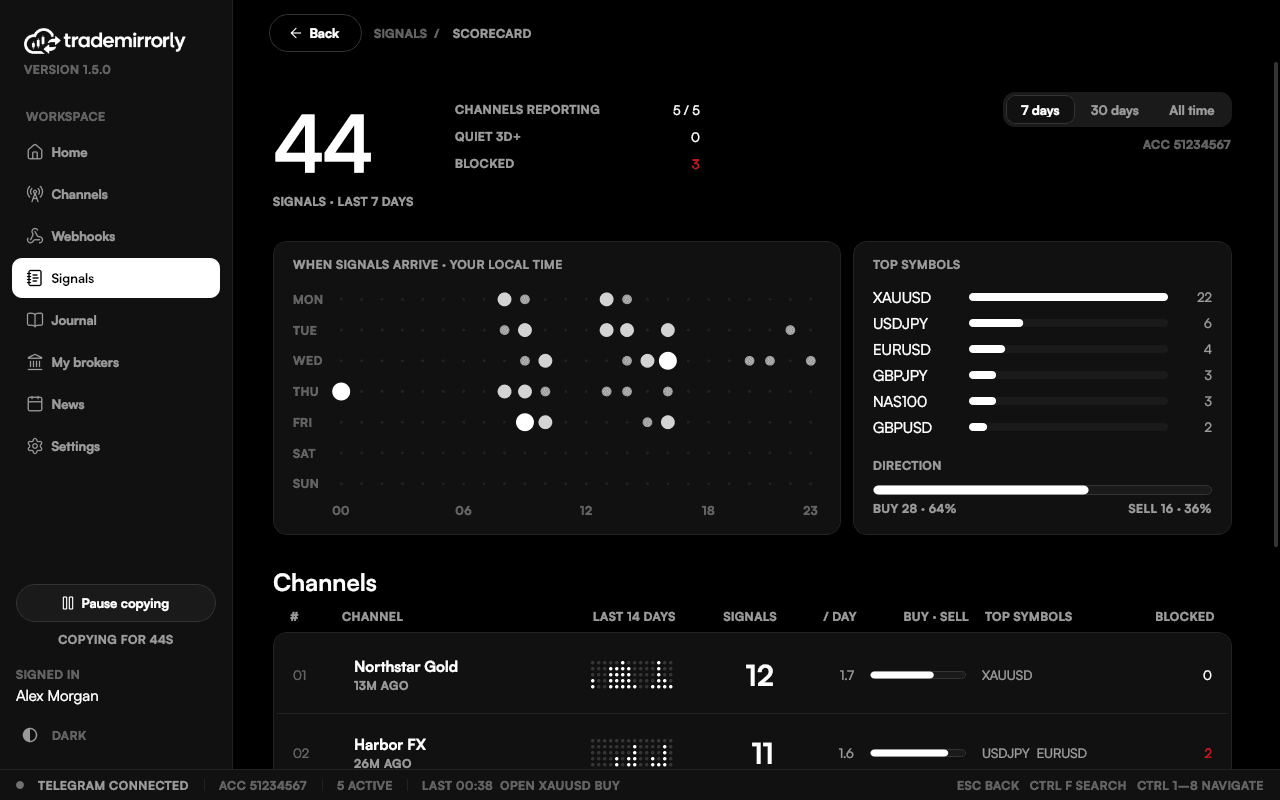
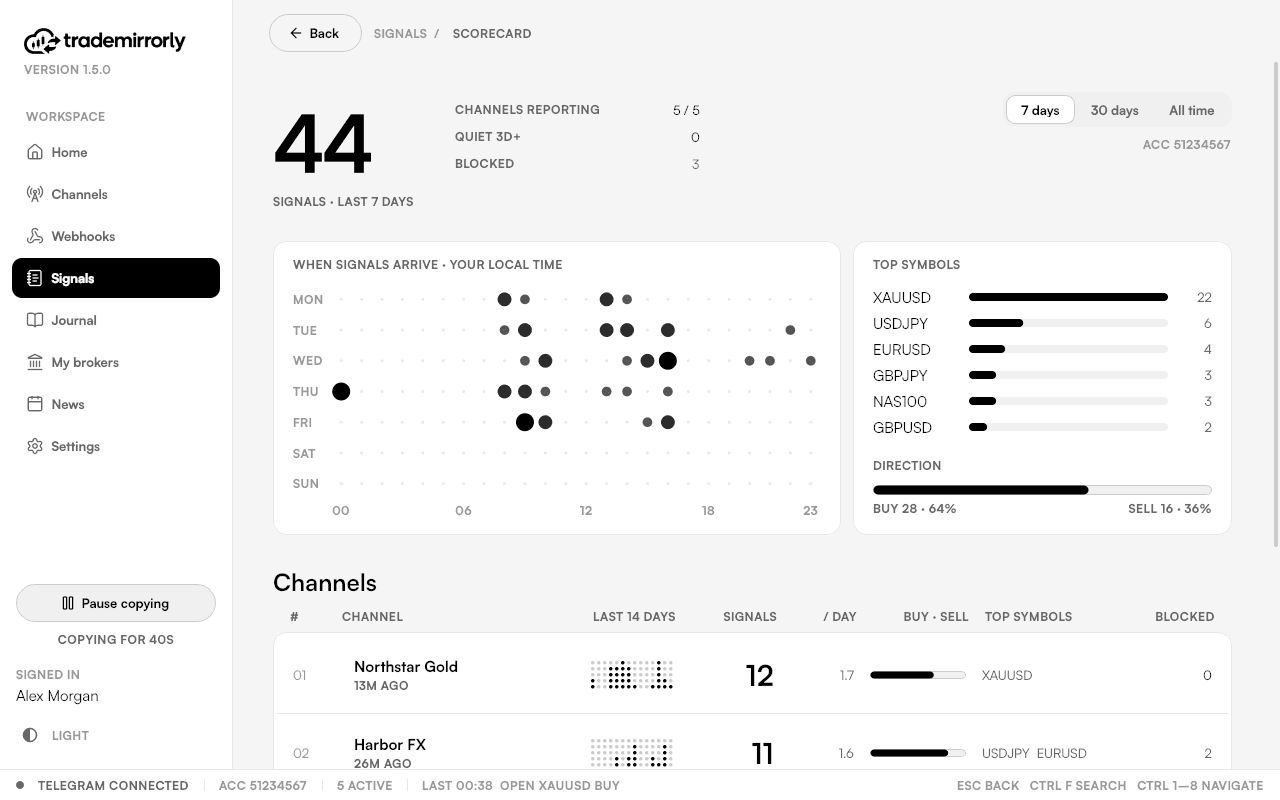
- When signals arrive: a weekday by hour heatmap.
- Top symbols and the overall buy and sell split.
- Signal volume for 7 days, 30 days or all time, and a 14-day activity chart.
- A buy and sell bar and top symbols per channel.
- Blocked signals, and channels that have gone quiet.
Click a channel to open its signals on Signals.
The scorecard counts signals, not money. For results on your account, see the trade Journal.
Try it on a demo account first
Monthly and yearly plans start with a 3-day free trial. Setup takes about 3 minutes.
More in this topic
Signals: what happened to every signal
Every signal, newest first, with what became of it: opened, at what price, or why not and what to fix. Click any row for its timeline.
The trade Journal (Pro)
A journal of your whole broker account with nothing to export: every trade, net result, profit factor, drawdown, balance and a calendar.
Desktop alerts and the tray
A notification for every copied, managed or blocked signal, and a tray icon that keeps copying after you close the window.